
La Poste agents looking to check their schedules or verify their leave balances often encounter confusion between the different internal HR tools. GTM Extranet and MaBoxRH share the same login URL, the same authentication screen, but do not provide the same services. Understanding this architecture before logging in avoids unnecessary back-and-forth with support.
GTM Extranet and MaBoxRH: one entry point, two distinct uses
The point that generates the most confusion among agents is the unification of access. GTM Extranet and MaBoxRH go through the same URL (maboxrh.laposte.fr) and display the same authentication screen with a virtual keyboard and HR identifier. The direction towards one or the other is then done behind the scenes, depending on the requested service, without clear signaling for the user.
The distribution rule, now adopted as an official best practice guideline, can be summarized as follows: everything related to time goes through GTM, everything related to the file goes through MaBoxRH. Specifically, checking the work schedule, leave balances, and hour counters fall under GTM Extranet. Modifying personal information, certificates, or administrative documents fall under MaBoxRH.
To log in to the GTM La Poste extranet, you must go through this common interface, which explains why so many agents think they are using MaBoxRH while they are actually navigating in GTM, and vice versa.

Authentication on GTM Extranet: virtual keyboard and HR identifier
The login screen requires two elements: the HR identifier (a numeric code assigned at hiring) and a password entered via a virtual keyboard. This keyboard, whose numbers change position with each loading, aims to prevent password interception by spyware.
Accessibility of the virtual keyboard
For visually impaired or blind agents, a sound version of the keyboard is available. You must activate the “Enable sound” button located just before the keyboard, then use the tab key (not the arrows) to navigate through the numbers and hear them. The Shift + tab combination allows you to go back. Each number is confirmed with the Enter key.
This functionality, while enhancing security, poses an ergonomic issue on some mobile browsers. Field feedback varies on this point: some agents report that the keyboard displays correctly on smartphones, while others describe recurring malfunctions depending on the model and browser used.
Forgotten password: the reset procedure
The reset page is accessible from the login screen. It requires the HR identifier and sends a reset email. If the secret answer has been forgotten or if the registered email address is inaccessible, a specific link allows you to report this situation. In this case, technical support ([email protected]) takes over.
- Check that the email address associated with the account is still active before starting the procedure
- Do not multiply login attempts with an incorrect password, as this may temporarily block the account
- Contact the local HR if technical support does not respond within a few business days
Consulting schedules and leave counters from a mobile device
Since 2024, La Poste has prioritized a mobile-first approach for GTM Extranet. Consulting schedules and leave balances is primarily designed for smartphones, with a simplified interface for schedule and counter views. This choice reflects the reality on the ground: most agents do not have a fixed computer workstation during their service.
The mobile interface displays information in a condensed manner. It includes the weekly schedule, annual leave counters, RTT, and recovery. Leave requests can also be made from this view, with a process reduced to a few screens.
However, some features remain more readable on a computer screen, particularly the long history of counters or the details of adjustments. The mobile application does not completely replace the desktop version for in-depth tracking of rights.
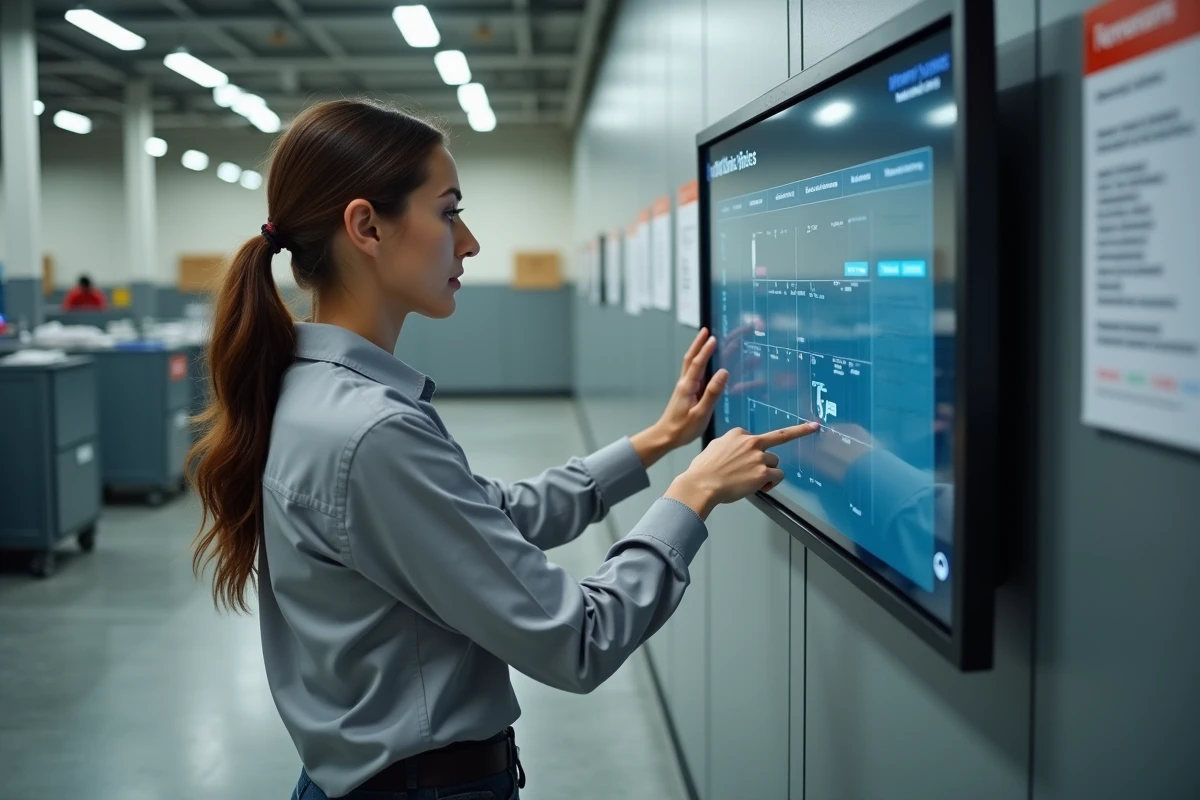
What to do when GTM Extranet does not reflect the reality of the schedule
A discrepancy between the schedule displayed in GTM and the schedule actually applied on the ground is a common problem. The possible causes are multiple:
- The team leader has not yet validated or entered the changes in the tool
- A service exchange between colleagues has been agreed upon verbally but not formalized in GTM
- A counter adjustment is being processed by the HR service
- The synchronization delay between managerial entry and agent display is not immediate
In any case, the local HR remains the contact for any anomalies observed on schedules or counters. Technical support ([email protected]) only intervenes in cases of access difficulties to the platform, not on the content of the displayed data.
Navigation in GTM Extranet does not trigger loading of new pages: content updates occur within the current page. If the screen seems frozen after a click, navigating via titles or page markers (with a screen reader or the Tab key) allows you to locate the updated area.
The boundary between GTM Extranet and MaBoxRH remains unclear for many agents, and the unification of the interface does not help matters. Keeping in mind the rule “time in GTM, file in MaBoxRH” simplifies daily navigation. For any questions that go beyond the tool, the hierarchical supervisor or local HR remain the preferred contacts.